Google Kills the Chromebook and Launches Googlebook — An AI-Native Android Laptop With Gemini Built In
Google just retired the Chromebook brand. At the Android Show I/O Edition on May 12-13, the company unveiled Googlebook — a new line of Android-based laptops with Gemini AI woven into every layer of the operating system. Think Magic Pointer for cursor-driven AI, auto-generated widgets, and a signature "Glowbar" notification strip. Five major OEMs are on board: Acer, Asus, Dell, HP, and Lenovo. The laptops ship fall 2026, and they're aimed squarely at Apple's MacBook Neo.
Why Did Google Kill the Chromebook Brand?
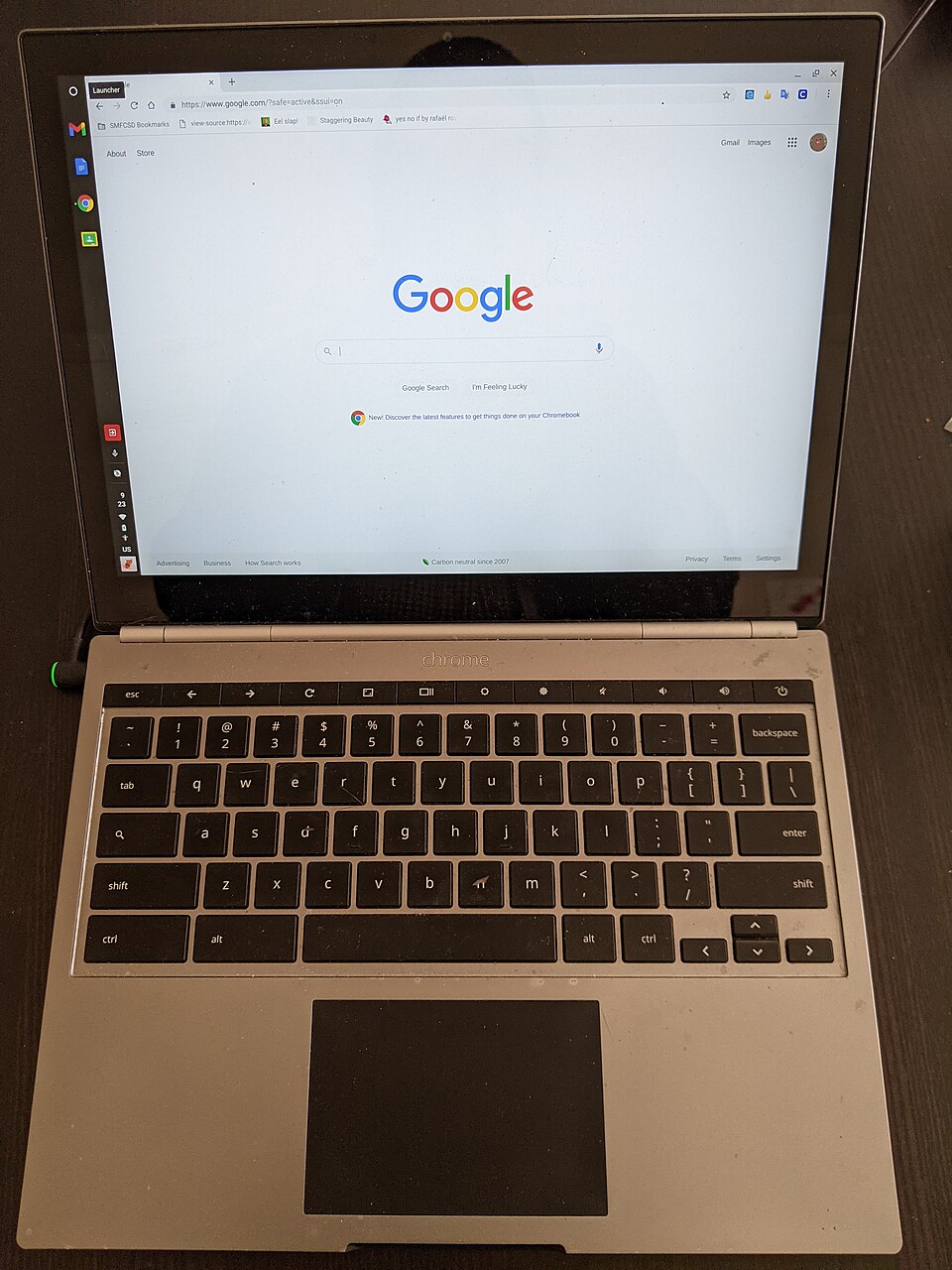
Because ChromeOS hit a ceiling. I've used Chromebooks since the original Samsung Series 5 in 2011, and the platform never escaped two perceptions: it's a browser in a box, and it's cheap hardware for schools. Neither of those is wrong, exactly, but neither of them sells premium laptops to professionals.
Google's answer is to stop pretending ChromeOS is a standalone operating system and unify everything under Android. The Googlebook runs a full Android stack — not Android apps crammed into a browser shell, which is what Chromebook's Android compatibility always felt like. Native Android means native access to the entire Play Store, proper tablet and desktop window management, and most importantly, Gemini AI baked into the system at a level ChromeOS was never built to support.
The rebrand isn't cosmetic. It's architectural. Google is betting that the laptop of 2026 is defined not by its browser or its file system, but by its AI capabilities. And they might be right.
What Is Magic Pointer and How Does It Work?
Magic Pointer is the headline feature, and honestly, it's the one that made me sit up during the keynote. The concept: you point your cursor at anything on screen, and Gemini AI offers contextual actions based on what you're looking at.
Hover over a paragraph in a PDF? Magic Pointer can summarize it, translate it, or pull related data from your Drive. Point at an image? It identifies objects, suggests edits, or searches for visually similar content. Point at a spreadsheet cell? It generates a formula or explains the one that's already there.
I tried something similar with Copilot on Windows and it felt bolted on — a sidebar you had to actively switch to. Magic Pointer's approach is different because it's spatially aware. The AI action follows your cursor, not a chat window. It's closer to how I actually work: I look at a thing, I want to do something with it, and the AI should already know what "it" is without me having to describe it in text.
Custom widget generation is the second standout. You describe what you want — "show me a weather dashboard with the next 5 days and my calendar events" — and Googlebook generates a live widget on the spot. No app download. No configuration screen. Just tell it what you need, and it builds it.
What Is the Glowbar on the Googlebook?
The Glowbar is a thin LED strip above the keyboard that acts as an ambient notification and AI status indicator. It pulses when Gemini is processing, shifts color to reflect notification categories, and glows directionally to indicate which app is requesting attention.
It sounds gimmicky on paper — and I was skeptical too — but after watching the demo, I get the intent. Google wants the Googlebook to feel like a living device, not a passive slab. The Glowbar gives Gemini a physical presence. When the AI is "thinking," you see it. When it finishes a task in the background, the bar flashes briefly. It's Google's version of the Pixel phone's notification LED, scaled up to laptop form.
Whether consumers actually care about ambient lighting on a laptop is an open question. But as a differentiator from MacBook's austere aluminum aesthetic, it works. The Googlebook is telling you: this machine has something happening under the hood that the MacBook doesn't.
How Does the Googlebook Connect With Android Phones?
This is where Google's unified Android play gets genuinely interesting. The Googlebook can access your phone's file system directly — photos, downloads, app data — without cloud sync delays. You pick up your laptop, and your phone's storage appears as a mounted drive. No cables, no setup.
Clipboard sharing works instantly across devices. Copy a link on your phone, paste it on your Googlebook. App continuity lets you start a task in a phone app and resume it on the laptop. Notifications mirror natively, and you can respond to messages directly from the laptop's notification panel.
Apple has had some version of this with Continuity for years, and that's exactly the competitive gap Google is closing. The difference is that Google's ecosystem runs on 3 billion active Android devices globally, compared to Apple's roughly 2 billion. If the phone-laptop integration works as smoothly as the demo suggested, Googlebook has a larger installed base to tap into than MacBook will ever have.
Can the Googlebook Compete With MacBook Neo?
That's the $1,000 question — literally, given the price tier both products are targeting. Apple's MacBook Neo is expected in late 2026 with Apple's own on-device AI models. Google is racing to get Googlebook to market in the same window.
| Feature | Googlebook | MacBook Neo (Expected) |
|---|---|---|
| OS | Android | macOS + Apple Intelligence |
| AI Engine | Gemini (system-level) | Apple AI (on-device) |
| Key Feature | Magic Pointer + Glowbar | Siri 2.0 + on-device LLM |
| Hardware Partners | Acer, Asus, Dell, HP, Lenovo | Apple only |
| Phone Integration | Android phones (3B+ devices) | iPhone only |
| Launch | Fall 2026 | Late 2026 |
I think Google has two genuine advantages here. First, five OEM partners means price diversity — you'll get Googlebooks from $400 to $1,500, covering every segment Apple refuses to touch. Second, Gemini's cloud-hybrid model means the Googlebook can access Google's full-scale AI models for heavy tasks while running lighter inference locally. Apple's on-device-only approach is more private, but it's also more constrained by the chip's capability.
The risk for Google? Execution. ChromeOS always had promising features that felt half-baked. Android tablet mode has been mediocre for a decade. If the Googlebook's desktop experience ships with the same jank that plagued Android tablets, the brand switch won't matter. Google needs this to be polished on day one. No second chances when you're asking people to switch from MacBooks.
Related Articles
Google and Blackstone Form $25 Billion AI Infrastructure Joint Venture Star Fox Nintendo Switch 2Frequently Asked Questions
What is the Googlebook?
The Googlebook is Google's new AI-native Android laptop line, announced at the Android Show I/O Edition on May 12, 2026. It replaces the Chromebook brand entirely, running a full Android OS with Gemini AI integrated at the system level.
When will the Googlebook be available?
Google confirmed the Googlebook will launch in fall 2026 through hardware partners including Acer, Asus, Dell, HP, and Lenovo. Exact pricing has not been announced yet.
What is Magic Pointer on the Googlebook?
Magic Pointer is a cursor-based Gemini AI feature that lets users point at any on-screen element and invoke AI actions contextually. It can summarize text, generate widgets, rewrite content, or trigger app-specific functions without switching windows.
Is Google discontinuing Chromebooks?
Yes. Google is retiring the Chromebook brand. All future Google-powered laptops will carry the Googlebook name and run Android instead of ChromeOS. Existing Chromebooks will continue to receive updates through their end-of-life dates.
How does the Googlebook connect with Android phones?
The Googlebook features deep integration with Android phones, allowing users to access phone storage directly from the laptop, share clipboard content, continue app sessions, and mirror phone notifications natively without third-party software.